
We've Got Your Back, Commander
Encountering resistance? Our support team is here to ensure your defenses hold strong against the Arthronid swarm.
Contact HQHow Can We Assist?
Select a category to find immediate solutions for your tower defence operations.
Account Issues
Login trouble, profile settings, and save data synchronization.
Technical Support
Crashes, performance lag, and installation help.
Gameplay Guide
Strategy tips and tower mechanics explanations.
Report Bugs
Spotted a glitch in the Arthronid AI? Let us know.
Frequently Asked Questions
Before contacting our engineers, check the field manual. Most command issues can be resolved with standard protocols.
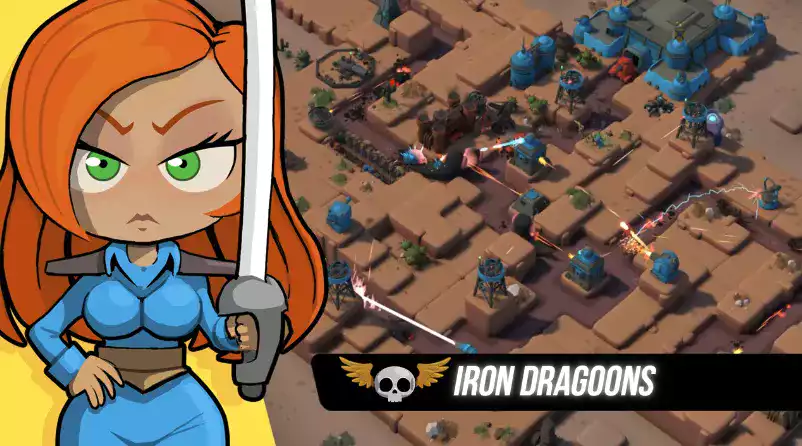
What makes this game different from other tower defence titles?
Tower Dominion Top features evolving enemy AI where Arthronids adapt to your strategy. Every battle offers unpredictable outcomes requiring dynamic tactical shifts.
Is an internet connection required to play?
Yes, as an online game, a stable connection is needed to sync your empire's progress and participate in global defense events.
My game is lagging during large swarm attacks. What can I do?
Try lowering the particle effects in the settings menu. Large swarms of Arthronids can be demanding on graphics processors.
How do I reset my progress?
Commanders can reset their campaign from the "Profile" menu. Be warned: this action cannot be undone once the empire's records are wiped.
System Requirements
Ensure your hardware is combat-ready.
| Component | Minimum | Recommended |
|---|---|---|
| OS | Windows 10 (64-bit) | Windows 11 (64-bit) |
| Processor | Intel Core i3 / AMD Ryzen 3 | Intel Core i5 / AMD Ryzen 5 |
| Memory | 8 GB RAM | 16 GB RAM |
| Graphics | NVIDIA GTX 960 / AMD R9 280 | NVIDIA RTX 3060 / AMD RX 6600 |
| Storage | 5 GB available space | SSD strongly recommended |
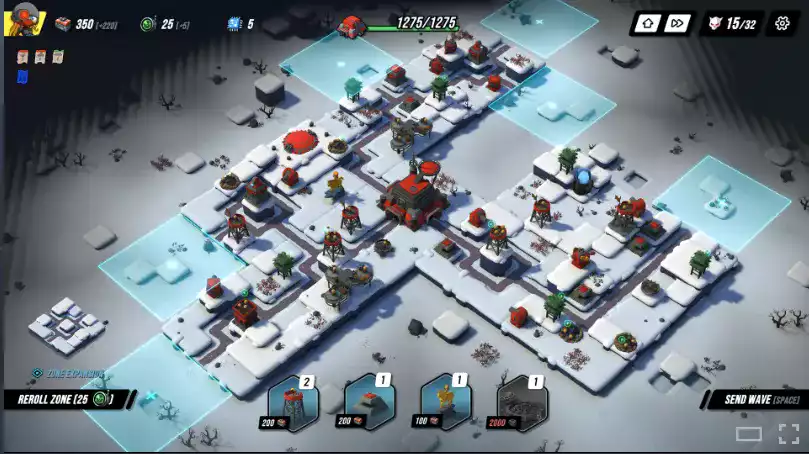
Troubleshooting Connection Issues
If you are having trouble connecting to the Tower Dominion servers, follow these steps:
-
1
Restart your router and ensure your device is connected via Ethernet if possible.
-
2
Check your firewall settings to allow "Tower Dominion Top.exe" through public networks.
-
3
Verify game files if you are playing through a launcher to ensure no corruption has occurred.
-
4
Contact your ISP if you experience persistent packet loss during gameplay.
Community Intel
Sometimes the best advice comes from fellow commanders on the front lines. Check our community channels for player-created guides and strategies.

Spotted a Bug?
Not the Arthronid kind! If you find a software glitch, please report it immediately. Detailed reports help us patch defenses faster.
Contact Command
Need direct intervention? Fill out the secure form to reach our development team.